


Free offline games you can play in your browser
Published October 14, 2026
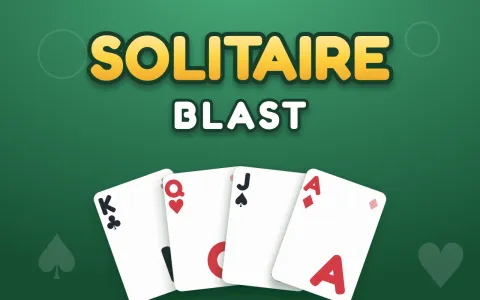 Solitaire BlastKlondike with a deal of the dayPlay now
Most free offline games live in app stores: you download a few hundred megabytes, accept the permissions and hope the ads stay out of your way. There is a lighter route. The games on crokocat are web pages, and once you have opened one, your browser keeps a copy on your device. Lose the signal on a train, a plane or a weak hotel Wi-Fi, open the same game again, and it plays from that stored copy. Nothing to install, no account, and the same games keep working when you are back online, where they quietly update to the newest version.
How offline play works on crokocat
Every page on crokocat registers a small service worker, the standard browser feature that lets a site keep files on your device. When you play a game, its files are stored alongside your saved progress. The next time you open that game, the browser asks the network first, so online you always get the latest build; if there is no network, it falls back to the stored copy and the game starts anyway.
Two rules follow from that. First, a game has to be opened once while you are online, on the device and in the browser you plan to use offline; a game you have never played has nothing stored yet. Second, the copy lives in your browser's site data, so clearing site data or using a private window means starting over. If a game does not start offline, open it once more with a connection, play a level, and it will be there next time.
Put crokocat on your home screen
On Chrome, Edge and Android phones an install button appears in the top bar of crokocat when the browser offers it. Installing adds a crokocat icon that opens full screen, without the address bar, like an app. On an iPhone or iPad, open crokocat in Safari, tap Share and choose Add to Home Screen. Either way it is the same site and the same games, just one tap away, and it takes no more space than the games you have played.
Card games for a long trip
Solitaire Blast is classic Klondike with draw one or draw three, unlimited undo, free hints and a deal of the day; your board and score are saved automatically, so a game interrupted at a station picks up where it stopped. Open Cells is FreeCell, with all fifty-two cards face up and every deal checked so it can be won, which makes it a puzzle you can think through rather than a gamble. Both are well suited to offline play: a deck of cards never needed the internet in the first place.
Solitaire BlastKlondike with a deal of the dayPlay now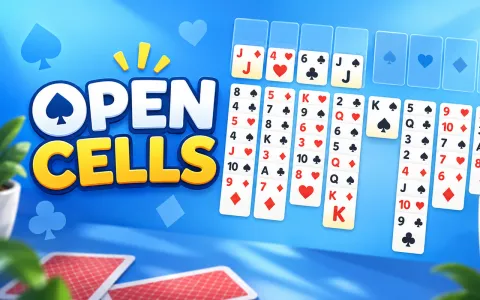 Open CellsFreeCell solitaire — four free cells, every deal can be wonPlay now
Puzzles that never ask for a connection
Tile Temple is mahjong solitaire: take free tiles off in matching pairs until the layout is clear, with undo, shuffle and a hint always on hand and no timer at all. Grid Zen is sudoku where every puzzle has one answer and can be solved by logic alone, with pencil notes, three hearts and one free hint per level. Flag Field is minesweeper made fair: the first dig is always safe and every field can be finished without a guess.
For something faster, 2048 slides and merges number tiles toward the 2048 tile and lets you keep going past it, and Block Crush is an 8×8 block puzzle in the spirit of Block Blast, with no timer and no rotation. Memory is the pairs game, growing from six cards to thirty, with no timer and no way to lose. Letter Sweep is a themed word search whose grids get trickier as words start running diagonally and backwards.
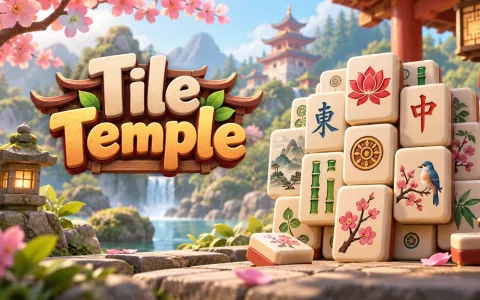 Tile TempleMahjong solitaire — take the free tiles in pairs and clear the templePlay now
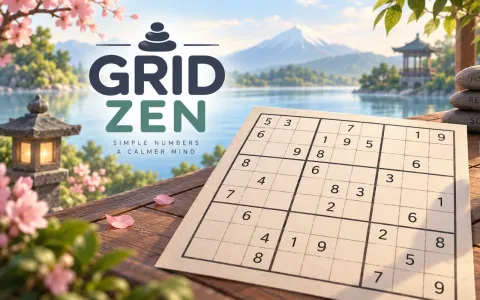 Grid ZenSudoku on soft 3D tiles — one answer, no guessing, three heartsPlay now
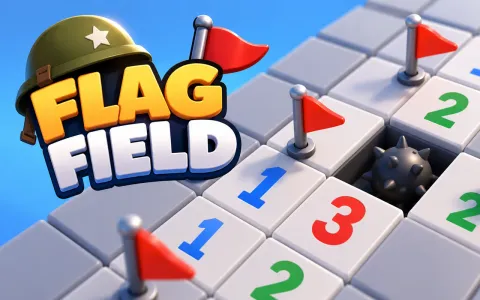 Flag FieldMinesweeper on a 3D lawn — dig safe, flag the bombs, never guessPlay now
Board games against the computer, or with the person next to you
Pawnstorm is chess against a bot that starts friendly and gets sharper with every level, Crown Hop is checkers and draughts in four rule sets, and Flipside is reversi, the game also sold as Othello. The computer opponent runs inside the game itself, so it plays just as well with no signal. All three also have a two-player mode for two people passing one phone, tablet or laptop, which is about the most offline way to play there is.
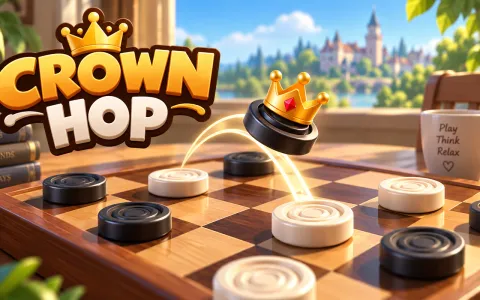 Crown HopCheckers and draughts — Classic, Russian, Brazilian or InternationalPlay now
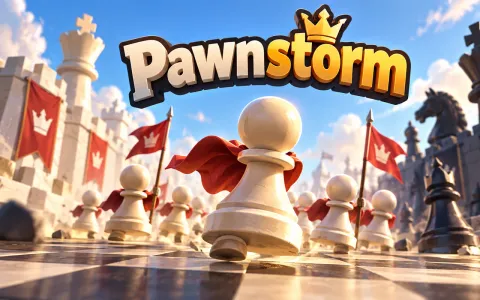 PawnstormChess against a bot that grows with you — or with a friendPlay now
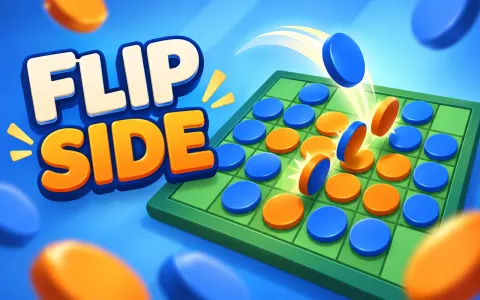 FlipsideReversi on a 3D board — trap a line, flip it your colourPlay now
What still needs the internet
Anything that talks to other people does. Cube Arena's public and private rooms are live multiplayer, like counts and leaderboards update only online, and a game you have never opened has nothing stored yet. Arrow Cube loads its 3D engine from a public library server, so it may not start offline unless your browser happens to have kept that file. Everything else on this page keeps your progress on your device and needs nothing from the network once it has been played.
Frequently asked questions
Can I play crokocat games offline?
Yes, games you have already played. Open a game once while online and your browser keeps a copy on that device; without a connection, the same game opens from that copy. Live multiplayer, like counts and leaderboards still need the internet.
Do I have to download or install anything?
No. The games run in the browser. You can add crokocat to your home screen for app-like, full-screen access, but it is optional and takes no extra download.
Why did a game not open offline?
It was probably never opened on this device and browser, or the browser's site data was cleared, or it was played in a private window. Open it once more while online and play a level; it will be stored for next time.
Is my progress saved when I play offline?
Yes. Progress and best scores are kept on your device, online or not, and are there the next time you open the game.
Which free offline games are best for a flight?
Card and puzzle games that run at your own pace: Solitaire Blast, Open Cells, Tile Temple, Grid Zen and Flag Field, plus Pawnstorm or Crown Hop if you want an opponent. Open the ones you want once before you board.
Guides & tips
Play it here
- Solitaire Blast — Klondike with a deal of the day
- Open Cells — FreeCell solitaire — four free cells, every deal can be won
- Tile Temple — Mahjong solitaire — take the free tiles in pairs and clear the temple
- Grid Zen — Sudoku on soft 3D tiles — one answer, no guessing, three hearts
- Flag Field — Minesweeper on a 3D lawn — dig safe, flag the bombs, never guess
- 2048 — Merge the numbers
- Block Crush — Drag, fit, blast the lines
- Memory — Find all the pairs
- Letter Sweep — Word search on 3D letter tiles — drag across, find every word
- Crown Hop — Checkers and draughts — Classic, Russian, Brazilian or International
- Pawnstorm — Chess against a bot that grows with you — or with a friend
- Flipside — Reversi on a 3D board — trap a line, flip it your colour